Why Every Student Needs a Dedicated Study Timer
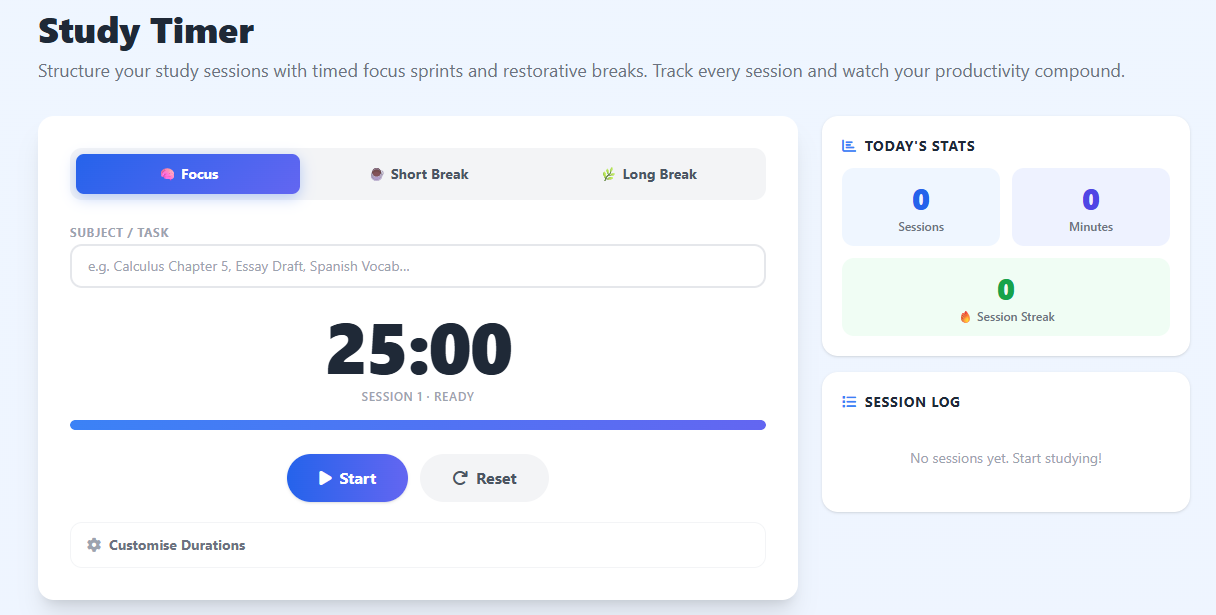
A study timer does far more than count down minutes — it converts a vague intention ("I'll study for a while") into a concrete, time-bounded commitment. When you know a session ends in exactly 25 minutes, your brain filters distractions more aggressively, prioritises the most important material, and enters a focused state significantly faster than in an open-ended session.
Research in cognitive psychology consistently shows that the human attention span for sustained reading and problem-solving peaks somewhere between 20 and 50 minutes before requiring a mental reset. Studying without breaks causes diminishing returns: you may be physically at your desk, but your comprehension and retention drop sharply after that initial window. Timed breaks restore working memory capacity, consolidate what you have just learned, and prepare the brain for the next encoding cycle.
How to Get the Most Out of a Study Timer
Before starting each session, type your specific subject or task into the Subject field. This single act of naming the task focuses your intention before the timer even begins. During the session, close all non-essential tabs and silence your phone. When the timer fires — stop immediately, even mid-sentence. Overrunning sessions trains your brain to ignore the signal, which defeats its purpose entirely.
After four consecutive focus sessions, take a longer break of 15–30 minutes. Stand up, walk around, hydrate, and rest your eyes. This pattern allows deep encoding of studied material into long-term memory during the consolidation that occurs in mental rest periods.
The Science of Study Sessions and Breaks
The brain operates on ultradian rhythms — 90–120-minute biological cycles governing alertness and energy. Within each cycle is a peak focus window of 25–50 minutes. Timed study sessions align with this natural architecture, maximising cognitive output while minimising fatigue. Fighting this rhythm by grinding for hours leads to burnout, poor retention, and the notorious "I studied for three hours but remembered nothing" outcome.
For a gamified version of focused study sessions, try our Forest Timer — complete a session and grow a virtual tree. For a purely time-based countdown without the mode structure, use the Countdown Clock Timer.