How a Meeting Timer Transforms Team Productivity
The average professional spends between three and five hours per week in meetings, yet research consistently shows that more than half of that time is considered wasted by participants. Meetings run long because there is no visible, shared accountability mechanism — no clear signal that time is precious and finite. A meeting countdown timer changes that dynamic instantly. When everyone in the room can see the clock ticking down, conversations sharpen, tangents get redirected, and decisions happen faster. A visible meeting timer is one of the cheapest and most effective productivity interventions available to any team.
The Psychology Behind Timed Meetings
Parkinson's Law states that work expands to fill the time available for its completion. Meetings are no exception. A thirty-minute discussion with no visible time constraint regularly becomes a fifty-minute discussion as participants follow tangents, revisit settled points, and delay decisions unconsciously. A meeting time countdown creates what behavioral economists call a commitment device — a pre-set boundary that your future self cannot negotiate away in the moment. Studies from corporate productivity researchers show that teams using visible countdown timers consistently complete the same agenda items in twenty to thirty percent less time compared to unmanaged sessions.
Using the Meeting Timer for Daily Standups
The daily standup is one of the most misused meeting formats in modern workplaces. Originally designed as a fifteen-minute status sync, standups routinely creep to thirty or forty-five minutes when there is no enforced boundary. Set this online meeting timer to fifteen minutes at the start of every standup and keep it visible to all participants. Each team member should take no more than ninety seconds: what was done yesterday, what is being done today, and any blockers. The visual pressure of a shared countdown timer disciplines the conversation in a way that verbal reminders from a scrum master rarely achieve. For longer sprint ceremonies, our 30 Minute Timer and Pomodoro Timer provide purpose-built formats for deep-work sessions after standups end.
Running Agenda-Based Meetings with Time Boxing
Time boxing — allocating a fixed duration to each agenda item — is the most effective structural technique for productive meetings. Before the meeting starts, list every agenda item and assign it a time limit. Use this meeting countdown timer to enforce each block as you go. When the timer hits zero on a topic, the group either makes a decision immediately or explicitly defers the conversation to a follow-up. This approach prevents the common failure mode where the first two agenda items consume eighty percent of the time and the last three items are rushed or dropped entirely. Teams that adopt time-boxed meetings report higher satisfaction, better decisions, and significantly shorter overall meeting durations within just a few weeks of consistent practice.
Remote and Hybrid Meeting Management
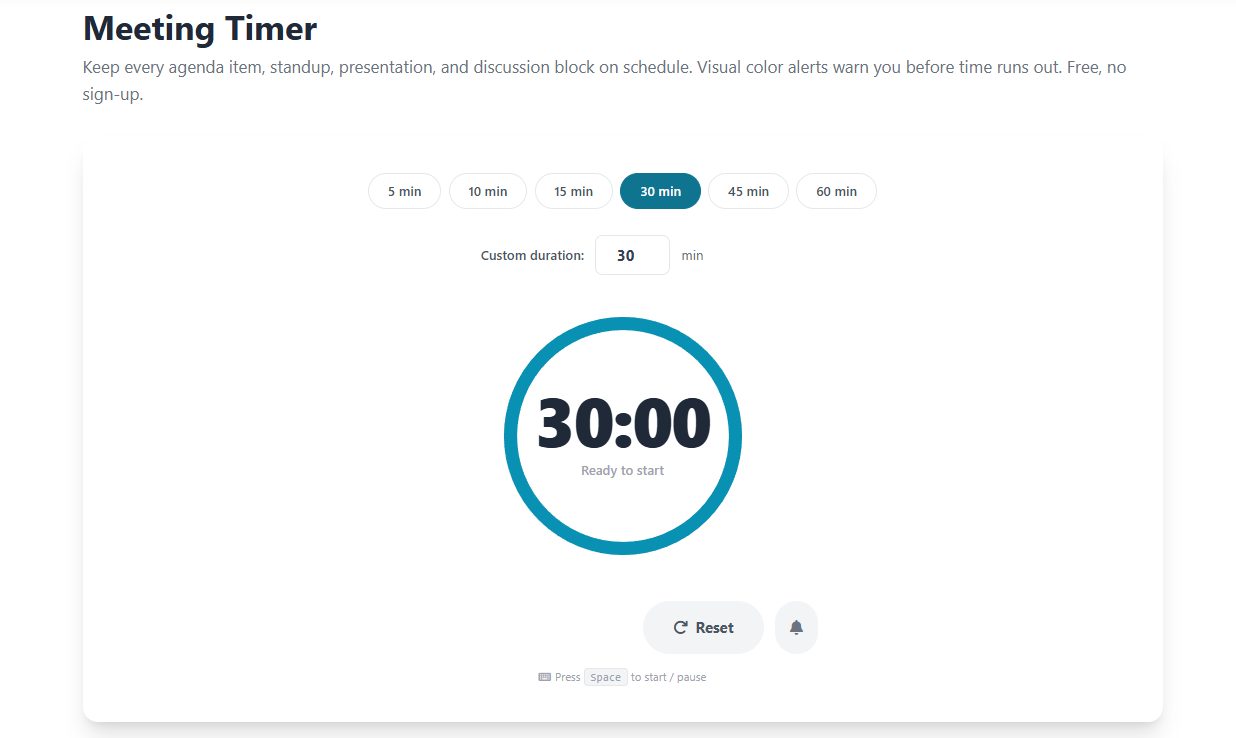
In remote and hybrid meetings on Zoom, Microsoft Teams, Google Meet, or similar platforms, maintaining time awareness is even harder than in person. Participants are more likely to multitask, lose focus, or fail to notice how much time has passed. Opening this free meeting timer in a separate browser window while sharing your screen keeps the countdown visible to the entire team simultaneously. The color-shifting ring — transitioning from blue to amber at twenty percent remaining and to red in the final minute — provides clear visual urgency that works well even at reduced screen-share quality. No separate software installation is needed, which makes it the fastest way to add professional time management to any remote meeting setup.
Meeting Timer for Presentations and Pitches
Presenters who respect the time boundaries of their audience consistently receive higher satisfaction scores and more positive feedback. Whether you are delivering a five-minute product demo, a fifteen-minute investor pitch, or a forty-five-minute workshop, knowing exactly how much time remains helps you pace your delivery, adjust your depth on each topic, and ensure you always have time for questions at the end. Set the presentation timer, glance at the ring during natural pauses, and never run over your slot again. For classroom presentations and student demonstrations, our Classroom Timer is specifically designed for educational environments. For personal focused work blocks between meetings, try the Study Timer to maintain momentum throughout your day.
The True Cost of Overrunning Meetings
Every extra minute a meeting runs costs real money. A ten-person meeting with participants earning an average of sixty thousand dollars per year costs approximately fifty dollars per minute in labor alone. A thirty-minute meeting that runs to fifty minutes wastes about one thousand dollars in collective time. Multiply that across the dozens of meetings a typical organization holds each week, and the financial case for using a meeting timer becomes immediately clear. Beyond the financial cost, overrunning meetings erode trust, signal disrespect for participants' schedules, and create a culture where starting on time is not taken seriously. A visible countdown timer is the simplest possible statement that your organization values the time of everyone in the room.