The Chess Clock: Why Timed Chess Is Better Chess
A chess clock transforms the game. Without time pressure, games drift indefinitely and players can over-analyze every position to a standstill. With a clock, chess demands decisiveness — you must trust your intuition, make your moves, and manage your remaining time as carefully as you manage your pieces. This is why every serious over-the-board game, from club nights to world championship matches, is played with a clock.
The modern digital chess timer replaces mechanical clocks with the same fundamental function: two independent countdowns that alternate based on who is to move. When you complete your move, you press your side of the clock — stopping your countdown and starting your opponent's. The first player whose clock hits zero loses on time (unless the opponent has insufficient material to deliver checkmate, in which case it is a draw).
Choosing the Right Time Control
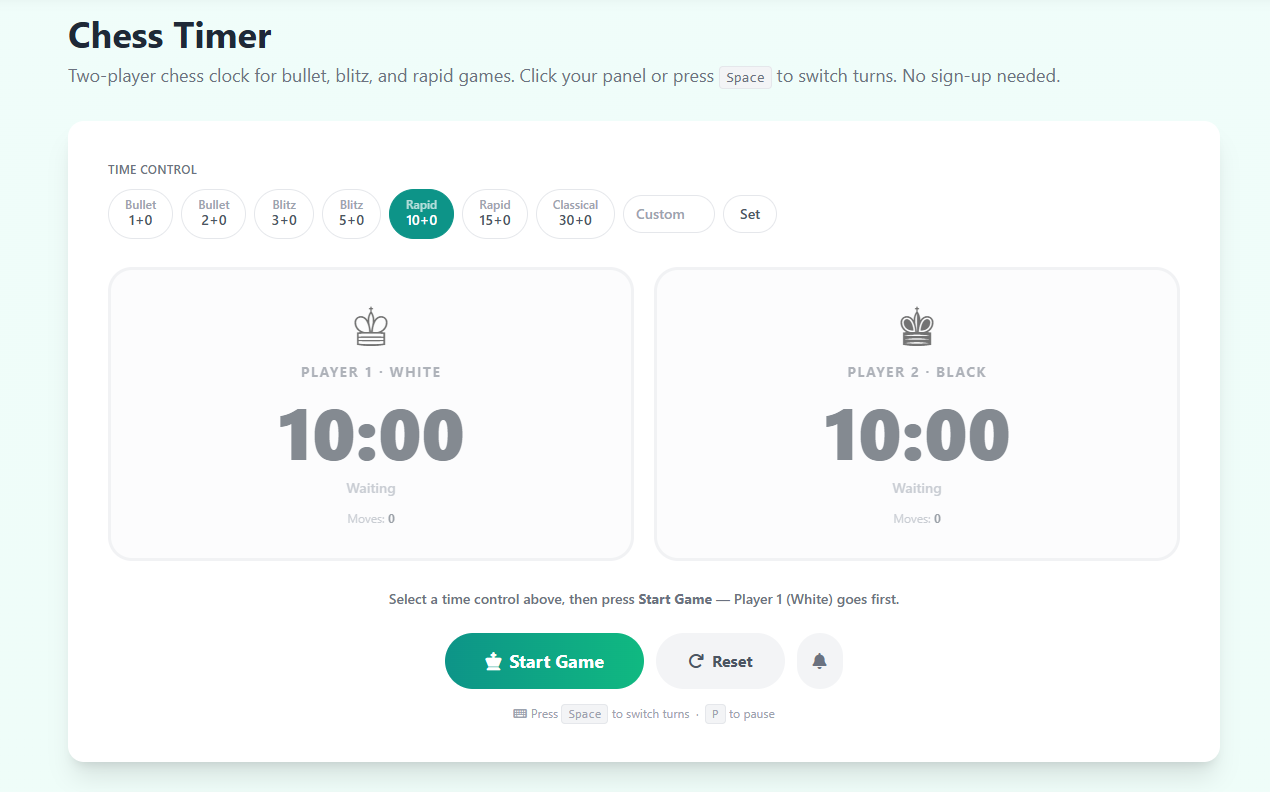
The time control you choose shapes the entire character of the game. Bullet chess (1–2 minutes) is an adrenaline rush — almost entirely intuitive, decided as much by hand speed as chess skill. Blitz chess (3–5 minutes) is the most popular format worldwide because it rewards pattern recognition while still allowing tactical calculation. Rapid chess (10–15 minutes) is where most improvement happens: you have enough time to think through variations, consider opponent threats, and execute endgame technique properly. For your first game with a new opponent, the 10-minute Rapid preset is the ideal starting point.
Chess Clock Strategy: Managing Your Time
Strong players manage time as actively as they manage material. A general rule: use more time in critical positions (complex middlegames, forced-sequence decisions) and move quickly in positions where the best move is clear. In blitz, it's better to make a slightly inferior move in one second than to spend thirty seconds on a marginally better one — time is a resource, not a luxury. Watch both clocks throughout the game; a large time advantage is almost as valuable as a pawn advantage.
Using This Chess Timer with Friends
Place your device on the table between two players. The player who finishes their move taps their own panel on screen (or uses the Spacebar) to pass the clock to their opponent. For structured focus sessions between games — analyzing positions, reviewing tactics — explore our Pomodoro Timer. For classroom chess instruction or club sessions with multiple boards, our Classroom Timer can manage activity periods for the whole group.